FX allows users to configure various effects.
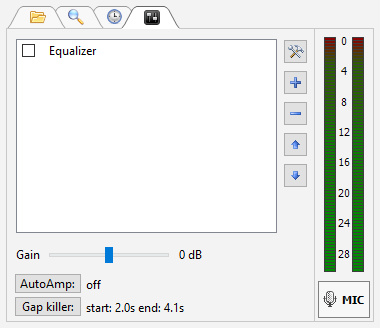
On this tab you'll see the current output level and control it using Gain slider. You can also add, remove turn on and off DSP's.
To add DSP: click "+" button; click "-" to remove and tool button to configure.
You can use built-in DSP's such as Equalizer and Compressor; you can also use VST and Winamp DSP plugins.
Right-click the Level Meter to change its signal source and set its mode of operation.
|
Information on status of AutoAmp (Automatic Gain Control) and Gap killer. Click buttons to access settings of those features. |
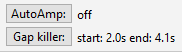
To change Gap Killer or AutoAmp settings, click the corresponding button.
More information: