This guide will help you automatically generate playlists on schedule using Playlist Generator Pro.
First, create a preset in the Playlist Generator and save it. It is called “Day” in the example.
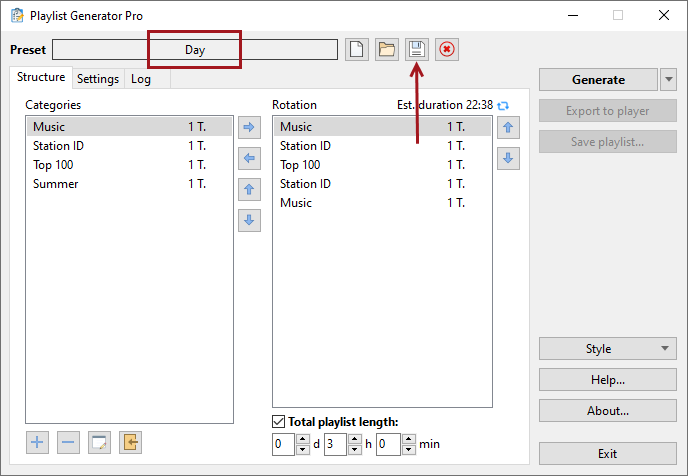
After creating the preset, close Playlist Generator and do the following:
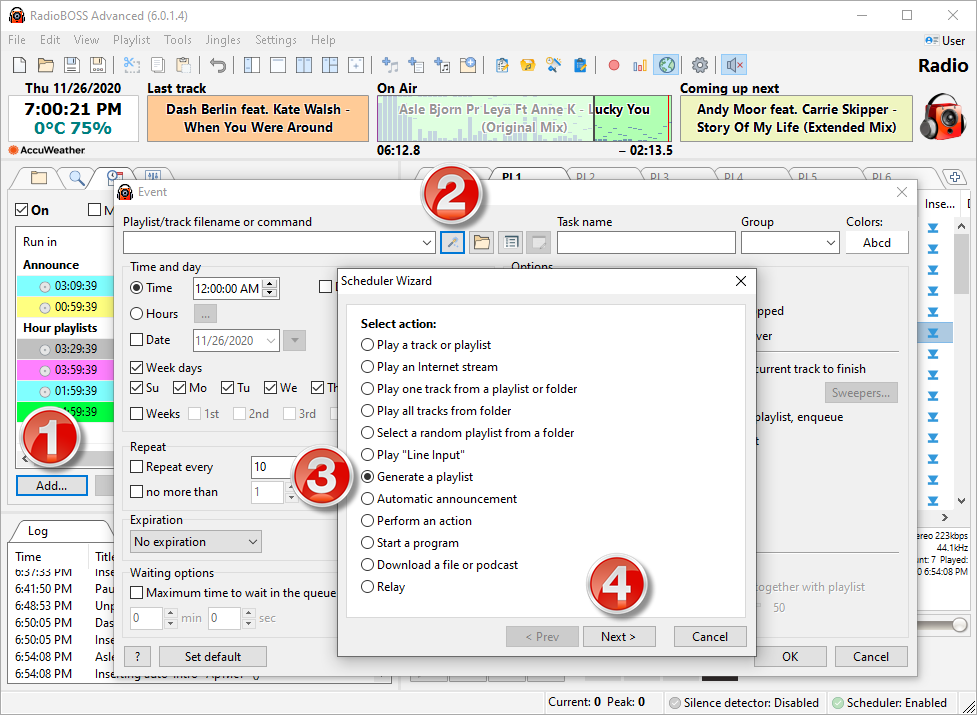
1. Create a new scheduler event in RadioBOSS.
2. Click the Wizard button. Select “Generate a playlist” and then click “Next.”
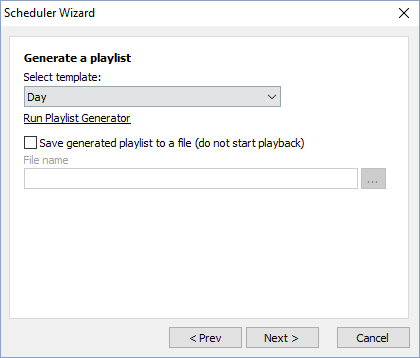
In the wizard window, select the preset. Also, some features (e.g., protection against playing a track at the same time as yesterday or dayparting) require specifying the expected playlist start time. Note: specifying the expected start time does not actually start the playlist!
Click “Next” to create a command and insert it into the “Filename/Command” field of the event.
After creating an event, RadioBOSS will automatically generate playlists at the specified time and save them to a file. Please create scheduled events to start playback of these playlists.
More information: