To customize Weather settings:
On the top menu bar, select Settings > Options...
Select Weather category.
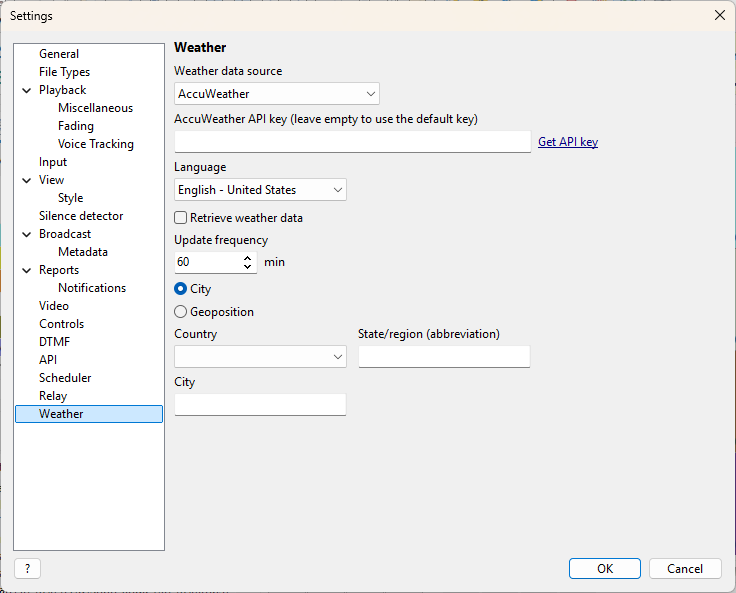
Select the weather data source and, optionally, enter your API key for the service. When using the default API key, please set the update frequency to at least 60 minutes; otherwise, rate restrictions may apply.
Weather data can be retrieved using coordinates (geoposition), e.g., Latitude 25.204, Longitude 55.270, or by entering the city and country name. The city and country must be entered in English, and the state or region should be entered as an abbreviation, e.g., NY (leave empty if not used).
More information: