RadioBOSS lets you add a line input to a playlist. Line input settings can be configured via Options on the Input tab.
Line input is useful for retransmitting a signal received via the sound card’s input (e.g., a satellite feed).
To use the line input, select Playlist -> Add Line Input... in the top menu bar.
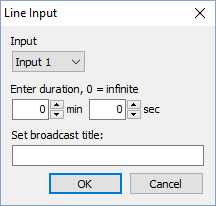
A window will open where you can set the duration (how long you want the Line.In to play). Optionally, you can enter a broadcast title.
This menu item will be hidden if no device is selected for Line.In in the Settings.
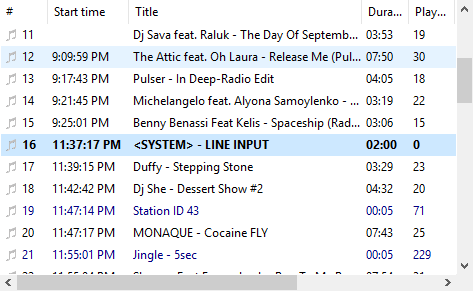
“Line.In” plays just like an ordinary file in the playlist. Crossfading and most other effects are applied to it as well.