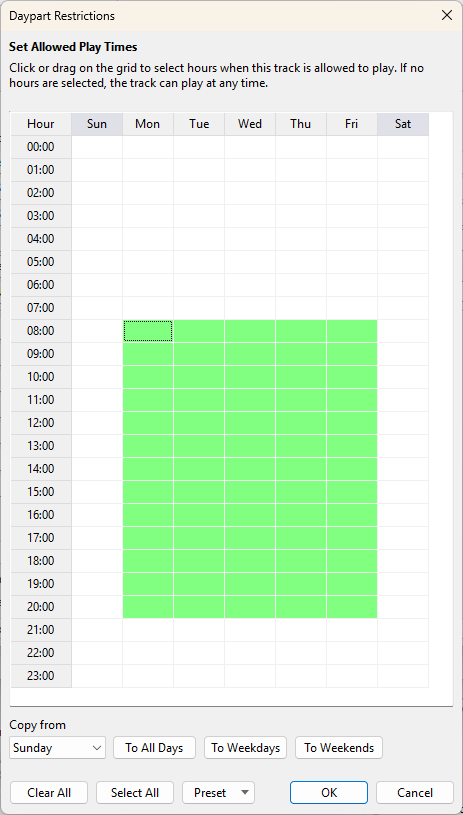
Dayparting allows you to specify the hours during which a track is allowed to play for each day of the week.
Dayparting is considered in the following cases:
•A playlist is created using the Playlist Generator.
•A track is selected using Track List.
•In the Ad Scheduler for block Sweepers, Intro, and Outro.
•Selecting an intro track for Auto Intro
Important: When using the Playlist Generator, the Start Time and Day of the Week must be specified when creating a playlist; otherwise, dayparting will not be applied. These settings can be configured using the Scheduler Wizard (see Automatic Playlist Generation) or via the command line.
Dayparting can be configured for music tracks using the Track Tool or Music Library.